
Play971 App and Mobile Play
Many people search for a Play971 app before they sign up. This page explains how to use it on a phone today, how to check whether an official app is available, and which phone settings make the biggest difference to a smooth session.
Is There an Official Play971 App?
When we last reviewed it, we could not confirm a native Play971 app listed on the Apple App Store or Google Play. Players use the mobile version of play971.ae in their phone's browser instead. It gives you the same account, casino lobby and sportsbook as the desktop version.
That may change. Operators often add store apps after launch, so here is how to check for yourself. Open play971.ae on your phone and look for an app link in the menu or footer. If the official site points you to a store listing, that is the version to install. If the app is not linked there, treat it as unofficial.
Never install an APK file sent through WhatsApp, Telegram or a third-party website. Fake gaming apps are a common way to steal ID details and card numbers.
What You Can Do on Mobile
Manage your account
Complete Emirates ID verification, update details and review your history.
Play casino games
Slots and table games are built to fit smaller screens and touch controls.
Bet on sports
Browse football, cricket, racing and other markets, and build a bet slip on the go.
Set your limits
Change deposit limits or take a time-out directly from your phone.
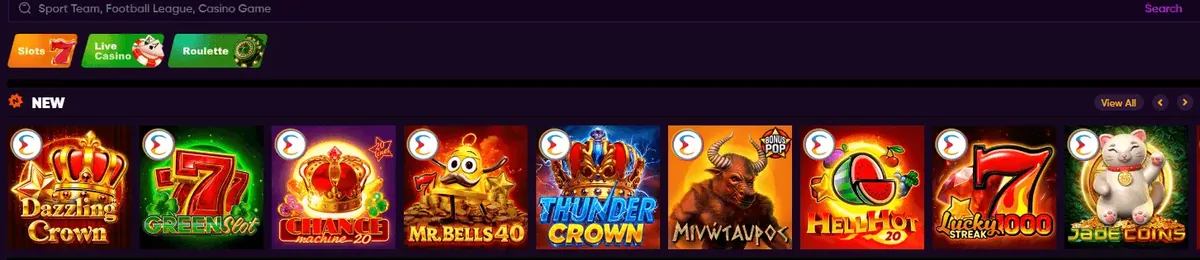
Add Play971 to Your Home Screen
You can get app-like access in a few seconds without downloading anything.
- On iPhone (Safari): open play971.ae, tap the Share icon, then choose "Add to Home Screen".
- On Android (Chrome): open play971.ae, tap the three-dot menu, then choose "Add to Home screen" or "Install".
- Open it from the new icon. The shortcut launches the official site directly, which also protects you from mistyped addresses.
Phone Settings Play971 Needs
Because the operator must confirm your location on every session, phone settings cause more mobile problems than anything else. Check these before you start.
- Location services on. Allow your browser to use precise location, not approximate.
- VPN off. VPNs, proxies and private relay features are not permitted and will block access.
- Battery saver off. Power-saving modes can stop location updates in the middle of a session.
- Software up to date. Keep your phone's operating system and browser current for security fixes.
- Stable connection. Wi-Fi or a strong mobile signal helps the location check finish quickly.

Mobile Safety Tips
Playing on a phone makes it easy to bet in short bursts throughout the day. Turn on the time-out and deposit-limit tools before your first mobile session, and switch off notifications you do not need. Keep your phone locked with a passcode or biometrics so nobody else can open your account.
If you share a payment card with family members, remember that deposits and winnings will appear on that statement. Cards must be in your own name.

More Help
Having trouble signing in on your phone? See our Play971 login guide. New to the site? Start with our overview of Play971 to check whether you are eligible.