
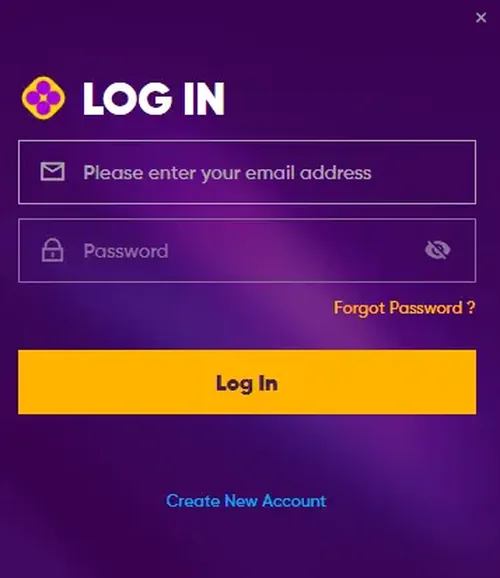
Play971 Login Guide
This page walks you through the Play971 login process and the problems players hit most often, from location errors to locked accounts. There is no sign-in form here: you only ever enter your password on the operator's official domain.
How to Log In to Play971
- Type the address yourself. Open your browser and go to play971.ae, or use a bookmark you saved after registering. Check that the address bar shows the correct domain and a padlock.
- Choose the login option. Select the sign-in button on the home page.
- Enter your details. Use the email or mobile number and password you set when you created the account.
- Complete any security code. If a one-time code is sent to your phone, enter it within the time shown.
- Allow location access. When your browser asks to share your location, accept. The site needs this to confirm you are in a permitted part of the UAE before it opens the lobby.
Fixing Common Play971 Login Problems
Most failed sign-ins have nothing to do with passwords. Work through the issue that matches what you see.
"Location could not be verified"
Your position is checked on every session. Turn on location services for your browser or phone, switch off any VPN, proxy or privacy relay, and try again. If you are in Dubai or near a restricted area, the check may fail even when everything is set up correctly, because access depends on the emirate you are in.
Forgotten password
Use the reset link on the sign-in screen. A reset message will go to the email or phone number registered on your account. Choose a new password you do not use anywhere else.
Account locked after several attempts
Repeated wrong passwords can trigger a temporary lock. Wait for the period stated on screen or use the password reset, rather than guessing again.
Verification still pending
If your Emirates ID check has not finished, some features stay unavailable after login. Make sure the name and address on your account exactly match your ID card.
Expired Emirates ID
When your Emirates ID is renewed, you may be asked to update it before you can continue playing or withdraw.
Account suspended
A suspended account cannot be used to play, deposit or withdraw until the issue is resolved. Contact customer support through the official site to find out what is needed.

Keep Your Play971 Account Secure
- Bookmark play971.ae and log in from the bookmark every time.
- Never share your password or one-time codes, even with someone claiming to be from customer support.
- Ignore emails, texts or social posts that send you to a "Play971 login" page on a different domain.
- Log out on shared or public devices.
- This guide will never ask for your username, password or Emirates ID.
If you think someone else has accessed your account, change your password straight away and contact the operator through its official support channel.
Logging In on Your Phone
The Play971 login steps are the same on mobile. The main difference is permissions: your phone's location setting must be on, and the browser must be allowed to use it. Battery saver modes sometimes block location in the background, which can interrupt a session. Our Play971 app guide covers the phone settings in more detail.
After You Sign In
Before you place a bet, take a minute to check your limits in the account settings. You can set deposit caps and time-outs from the same settings menu. If you have not opened an account yet, read how to register with Play971 first.